Challenge
1. How can we improve the prototype feature?
2. How can we accommodate the growing Figma use cases?
A. The current prototype feature
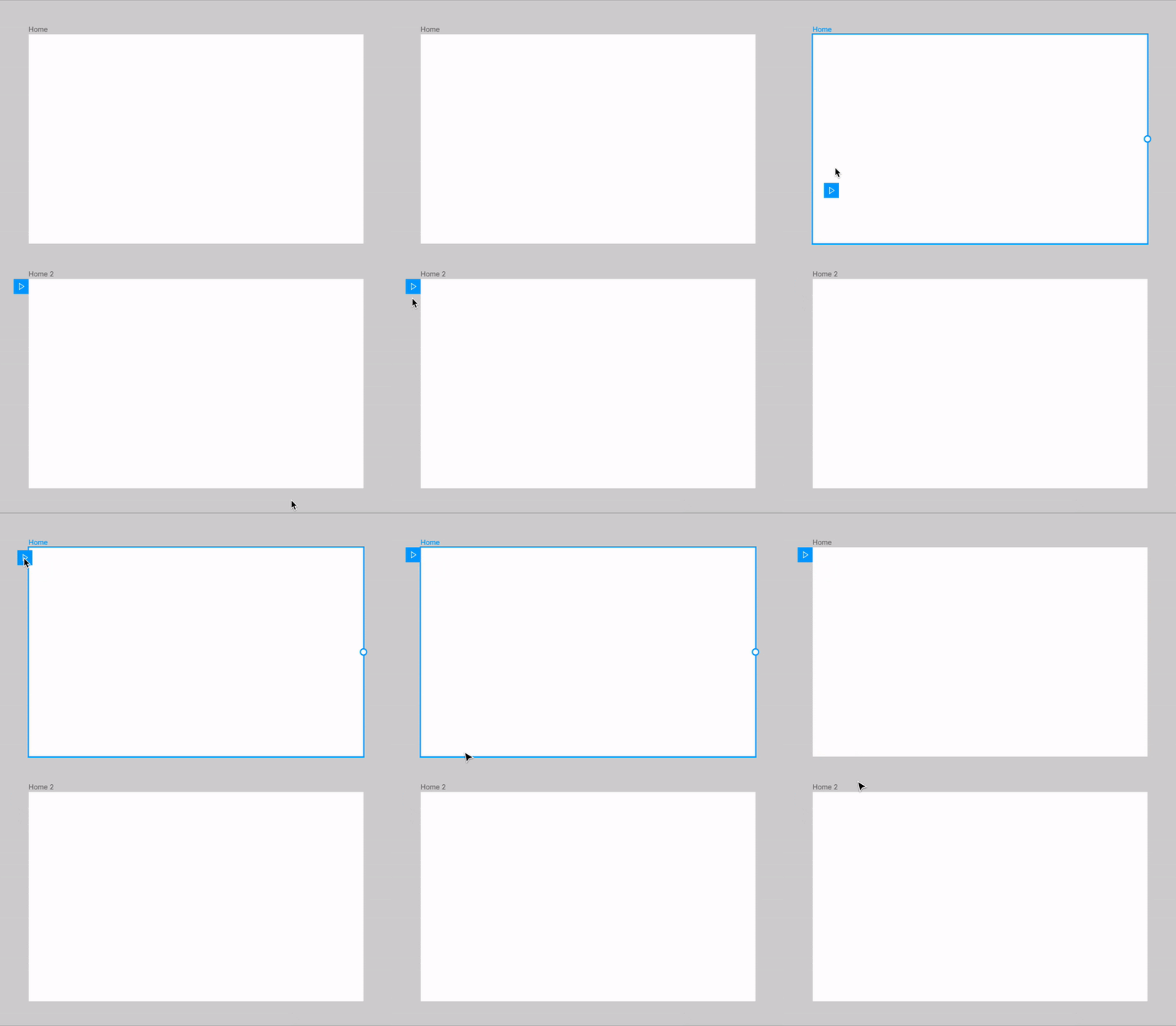
The starting frame drag
The current prototype requires users to drag the blue play button to the target starting frame.
What works:
- Easy when target frames are nearby
- Can visually find frame
What can be improved:
- If many screens, it's cumbersome to zoom out and find the correct starter frame
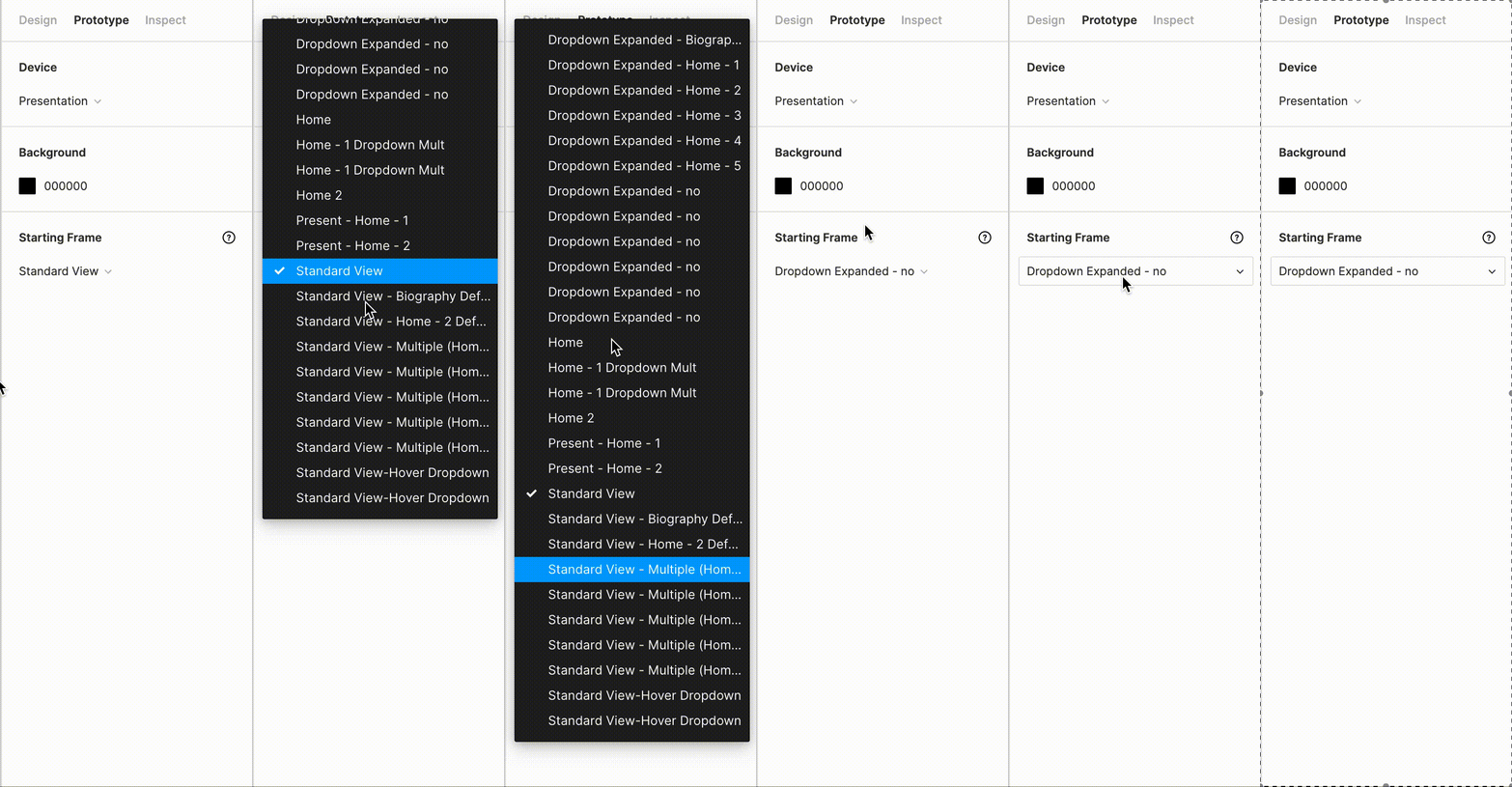
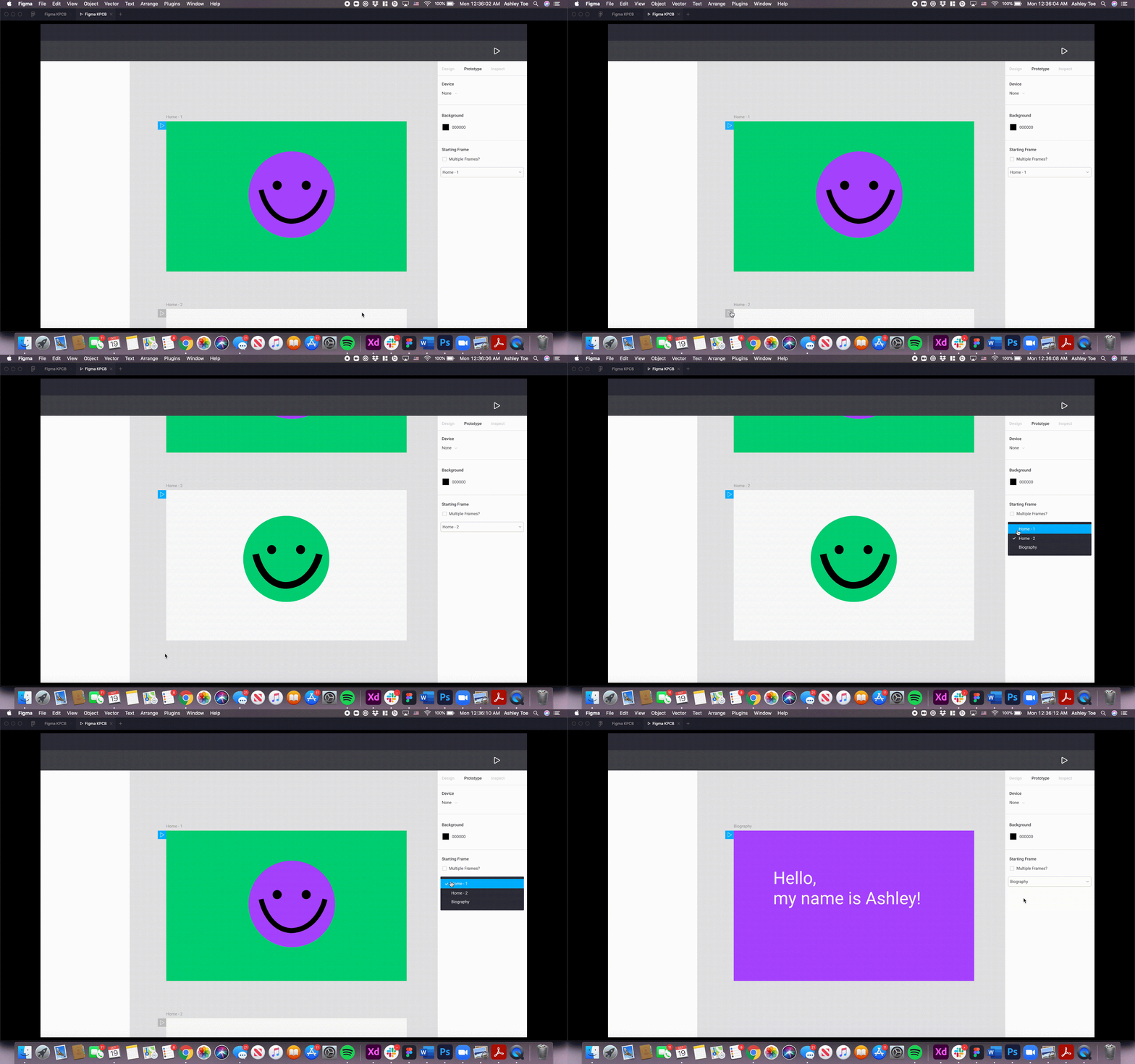
The dropdown starting frame option
Beside dragging the blue arrow, there is a dropdown for frames.
What works:
- Instead of dragging, user can directly select the starting frame by its name
What can be improved:
- It's not easy to recognize the frame name when there's a long list to choose from
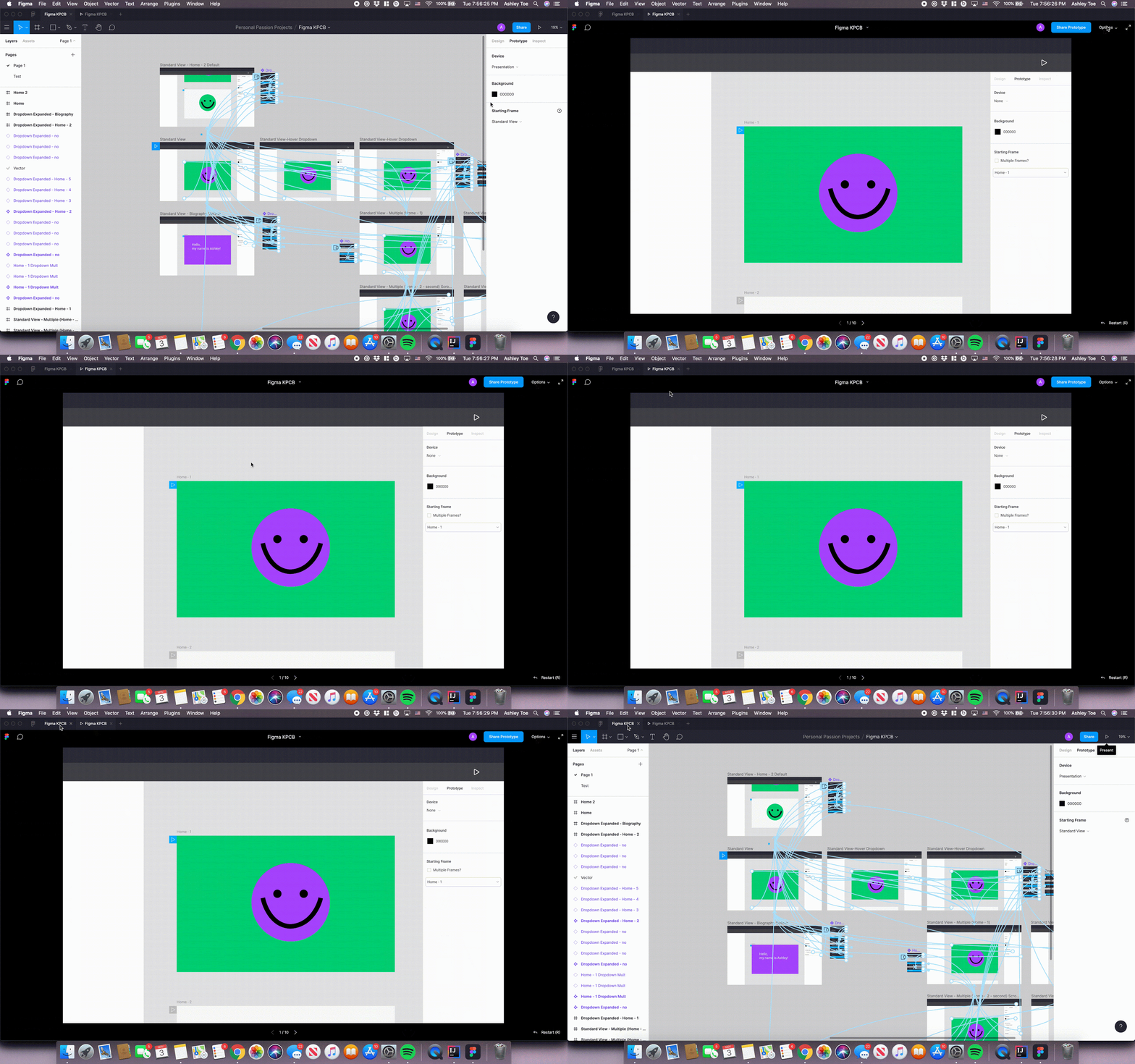
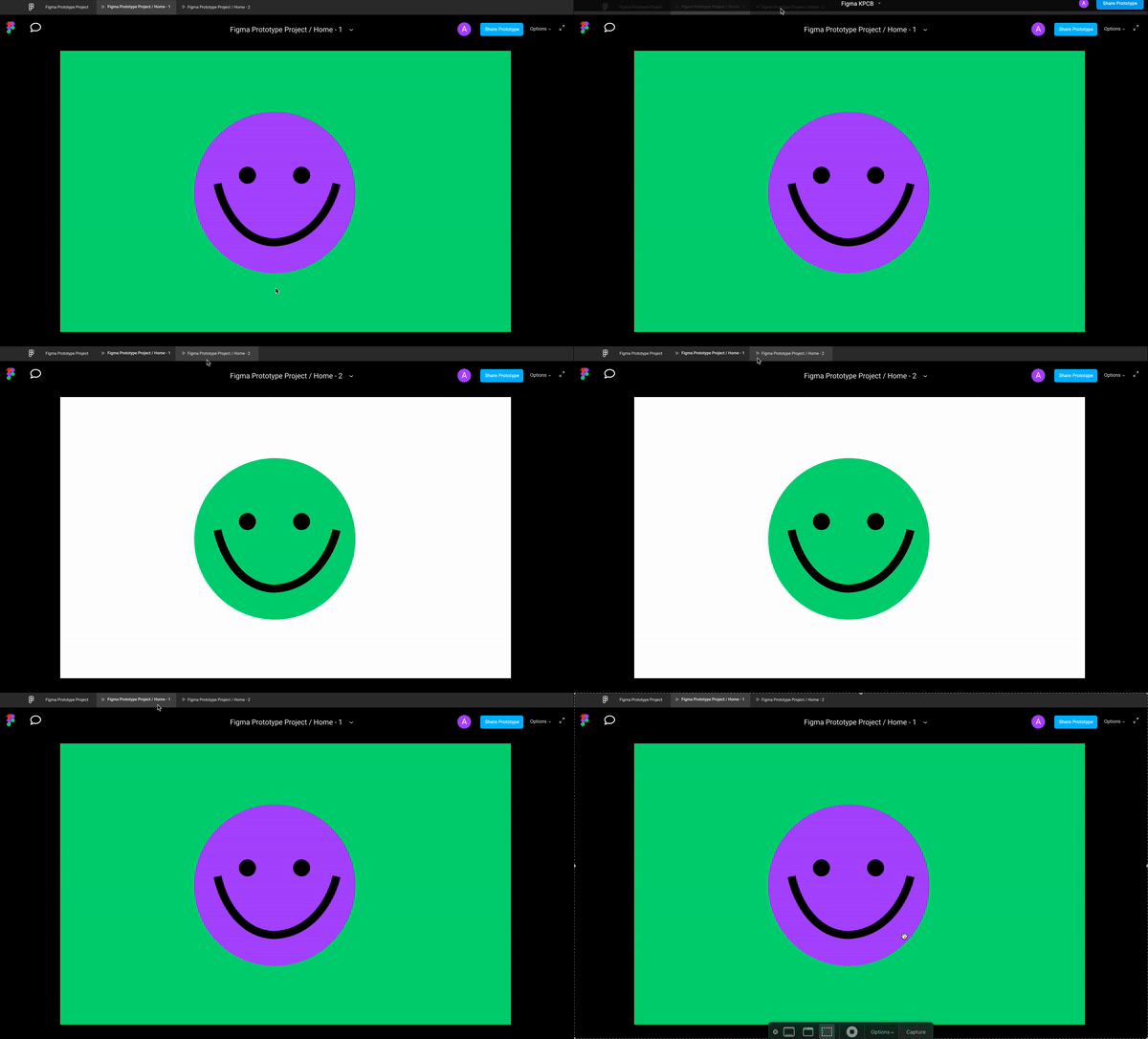
Presentation opens on one tab
Only one tab of presentation at a time.
What works:
- Easily refreshes with changes
What can be improved:
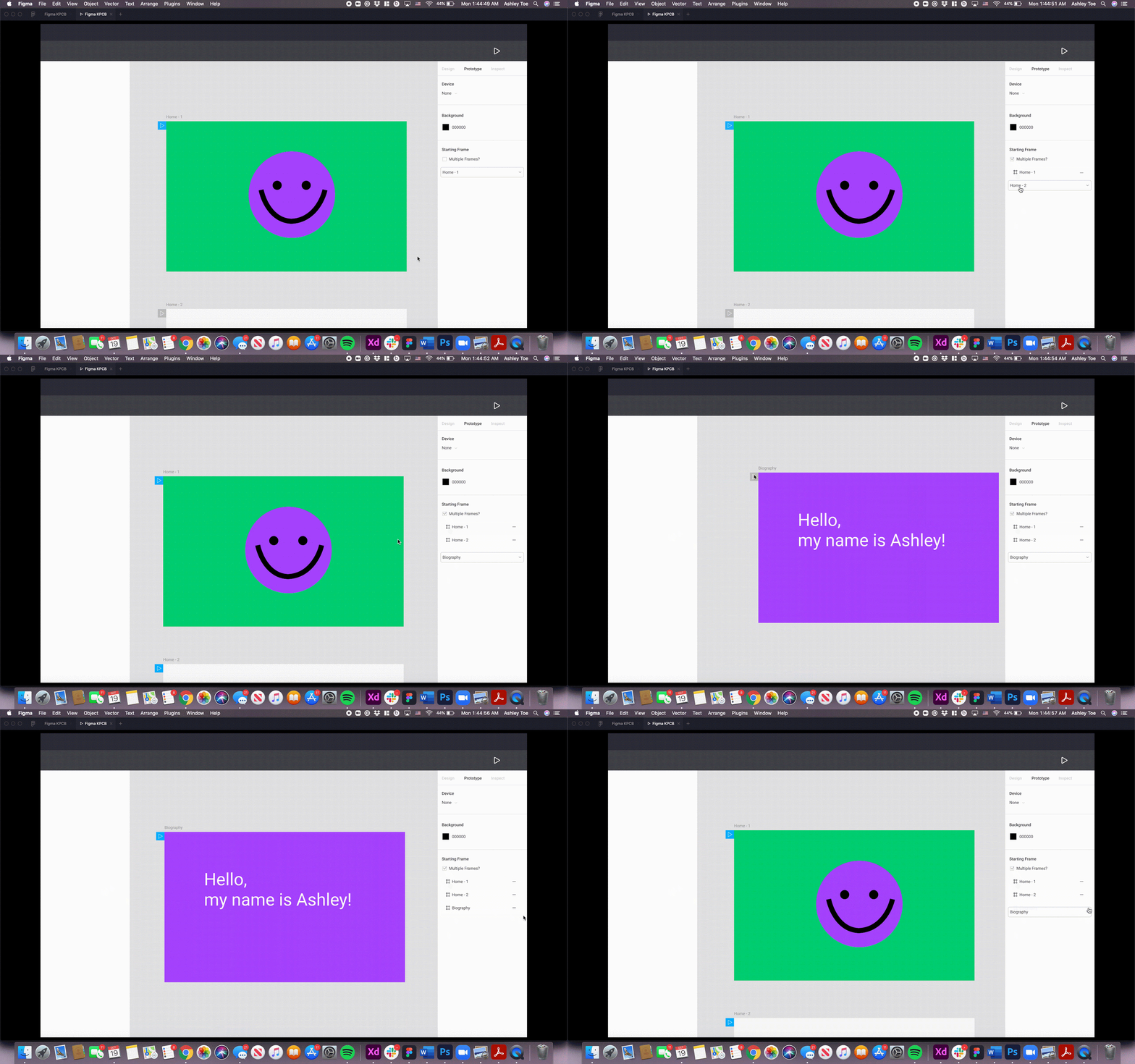
- Does not allow for capabilities such as presenting multiple user flows and comparing multiple starting frames side-by-side
B. Growing use cases
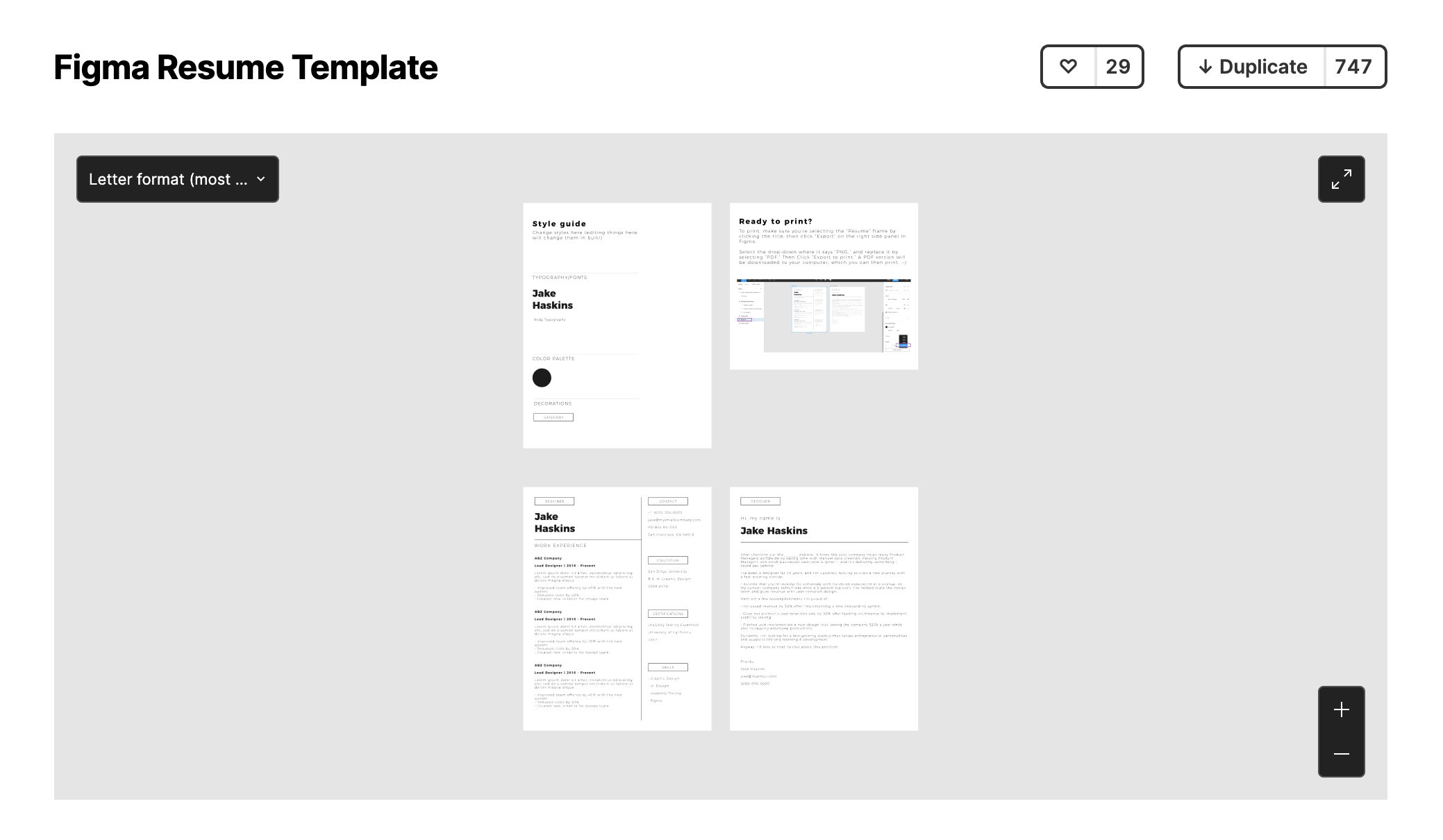
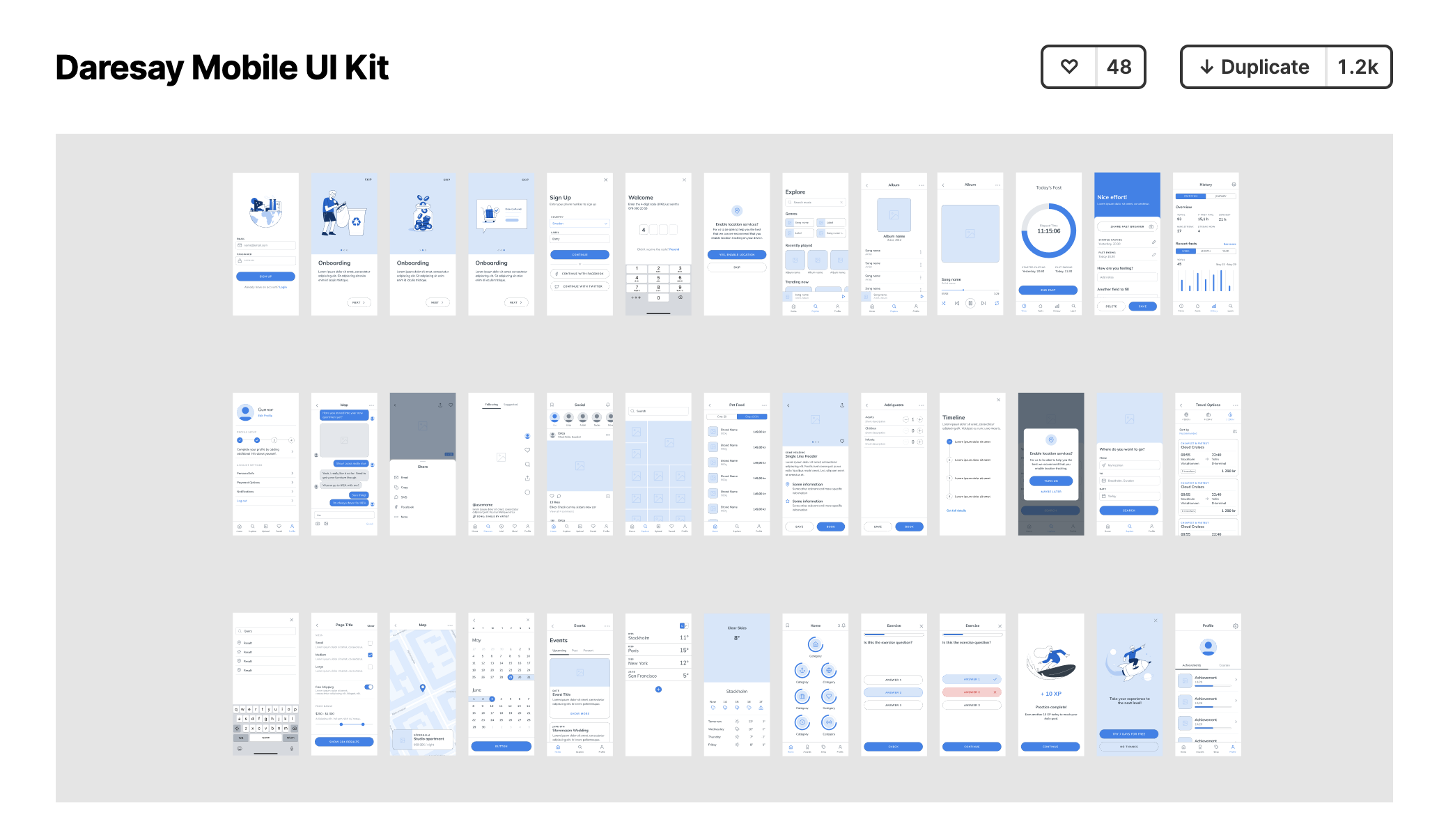
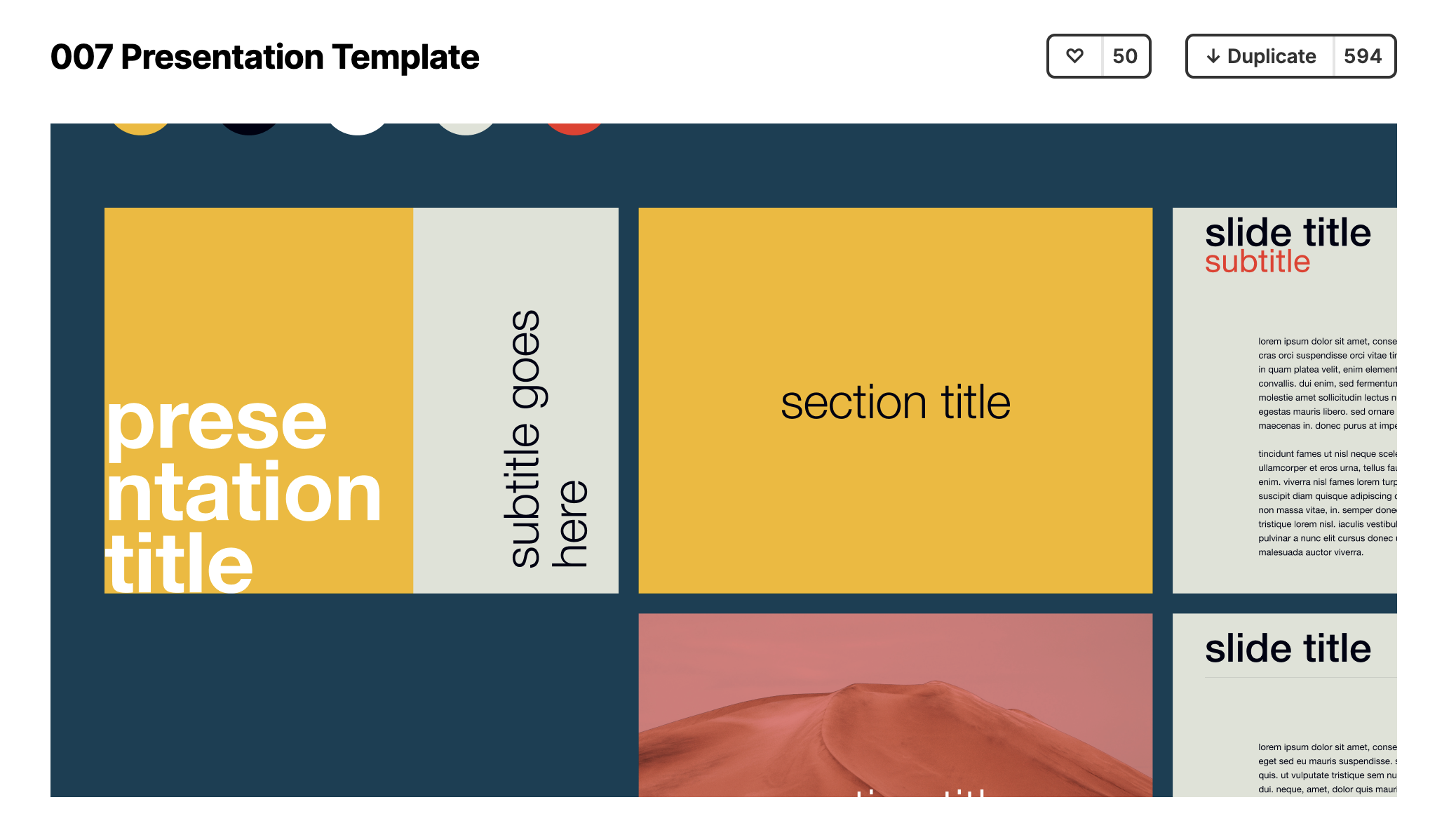
After attending Camp Figma, a weekend-long designathon hosted by Figma, I discovered the variety of use cases Figma has developed beyond its traditional prototyping function. I've highlighted a few below:
Prototyping
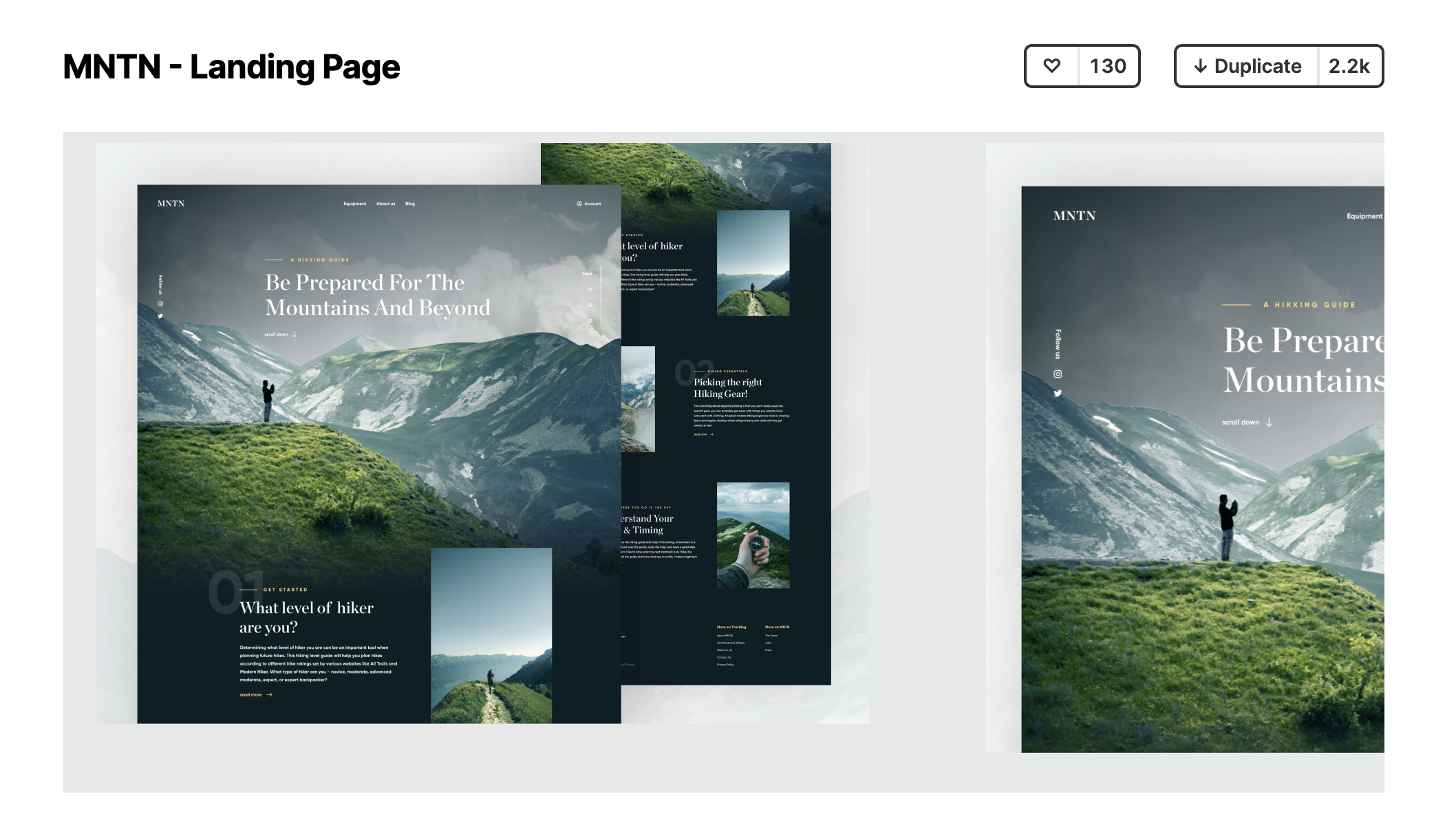
Wire Framing
Slide Decks
Resumes & Layout